Key Takeaways
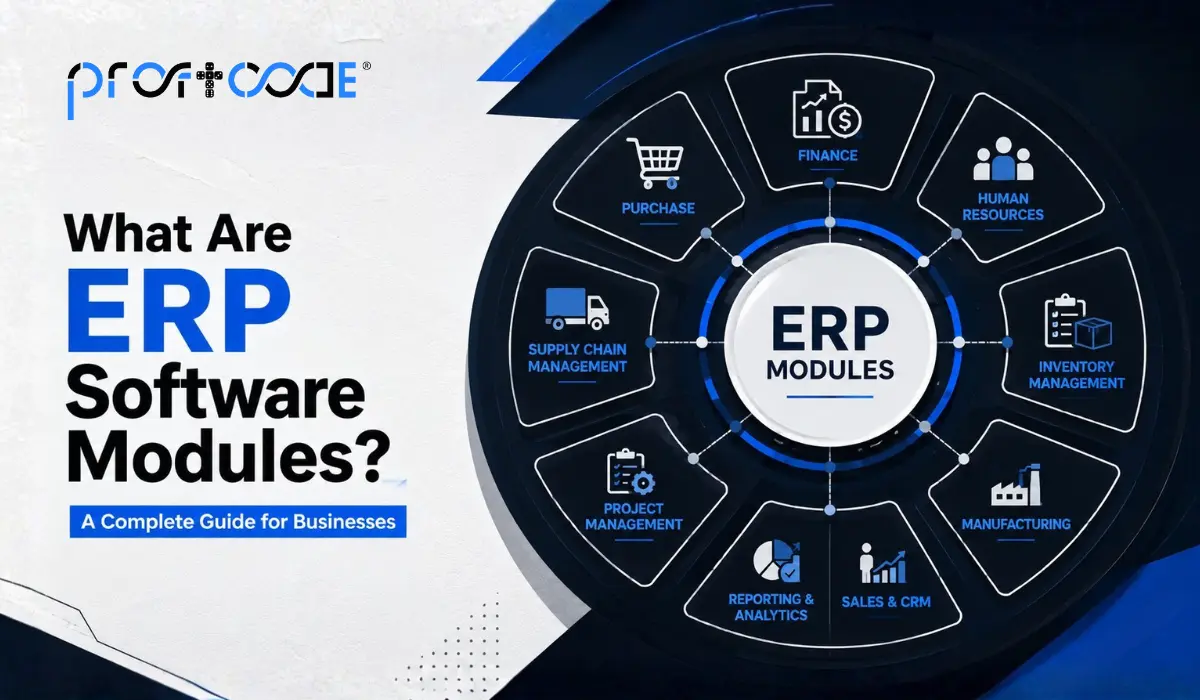
- ERP modules are individual functional units- finance, HR, inventory, sales that share real-time data while working together.
- Eight core modules cover most businesses: finance, HR, inventory, sales/CRM, procurement, manufacturing, project management, and reporting/BI.
- Different industries need different module priorities: manufacturing needs production and quality modules, healthcare needs patient management and compliance.
- Off-the-shelf modules deploy quickly; custom modules align better with a business’s actual workflow.
- Common mistakes: buying unnecessary modules, skipping requirement analysis, poor integration planning, and underestimating training needs.
- Choose a partner who does proper requirement mapping and offers ongoing support, not just one-time setup.
ERP software is rarely just one single block of code doing everything at once. It’s built from smaller, purpose-built units called modules, each one handling a specific part of your business. Finance has its own module. So does HR. So does inventory. Together, these modules form a complete ERP system that keeps a business running on connected, accurate data, rather than scattered files and guesswork.
If you’re evaluating ERP for the first time or trying to understand what ERP software is used for beyond the marketing language, this guide breaks down the actual ERP modules list, what each one does, and how they apply differently depending on your industry.
What Exactly Are ERP Software Modules?
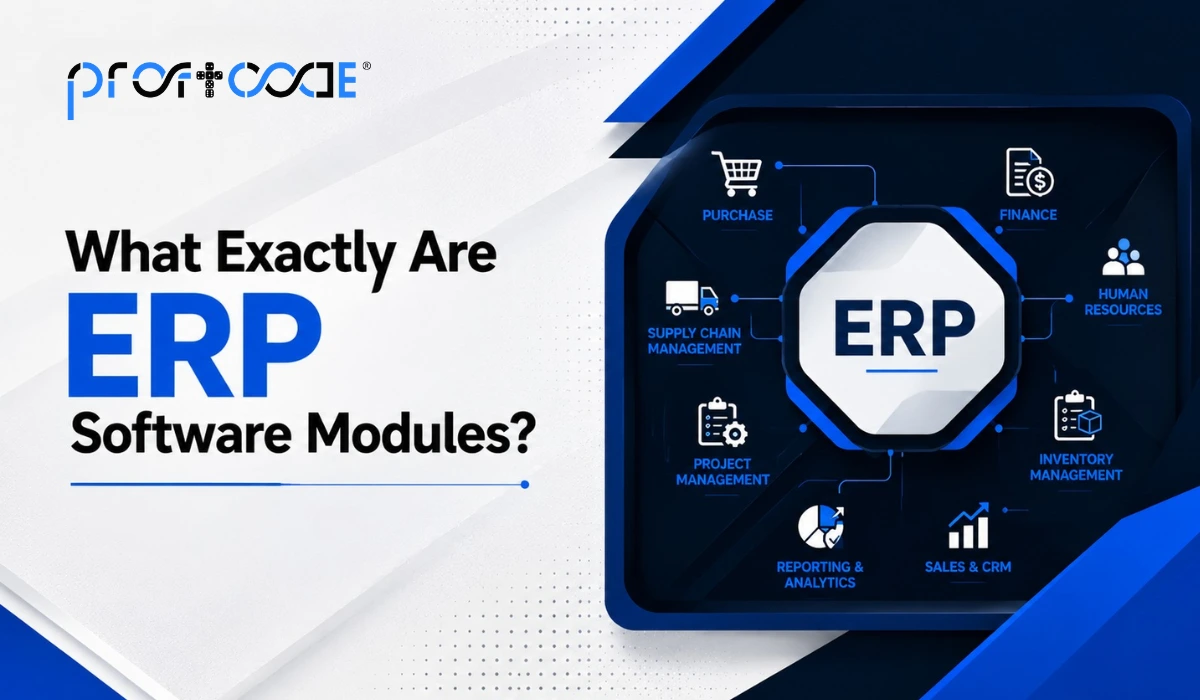
Think of ERP software modules as individual departments living inside one connected system. Each module manages its own function but shares data with the others in real time.
For example, when your sales module logs a new order, the inventory module instantly knows stock needs to be reserved. The finance module picks up the invoice automatically. Nobody has to update three different spreadsheets manually and hope the numbers match at the end of the month. They just… do.
This is really the whole point of ERP software components. Individually useful, but genuinely powerful only when connected.
Core ERP Modules List (The Ones Almost Every Business Needs)
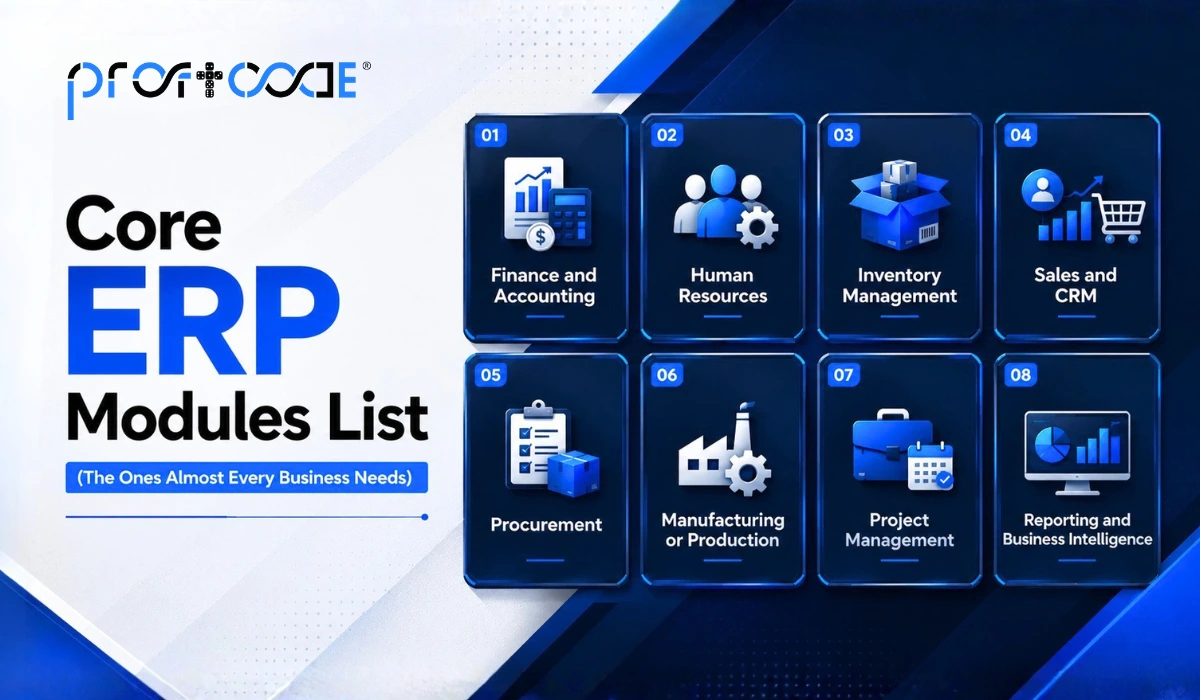
Let’s go through the standard ERP modules list that forms the backbone of most systems, regardless of industry.
1. Finance and Accounting Module
This is usually the heart of any ERP system.
- Manages accounts payable and receivable.
- Automates invoicing and payment tracking.
- Generates financial statements and tax reports.
- Keeps a clean, audit-ready trail of every transaction.
Honestly, this module alone saves most businesses hours of manual reconciliation every single month.
2. Human Resources (HR) Module
The ERP HR module handles everything related to people management.
- Payroll processing and salary calculations.
- Attendance and leave tracking.
- Employee records and document management.
- Recruitment and onboarding workflows.
For growing companies, this module becomes essential the moment HR stops being a one-person job managed through Excel.
3. Inventory Management Module
Keeps track of stock across one or multiple locations.
- Real-time stock level updates.
- Automated reorder alerts when stock runs low.
- Batch and serial number tracking.
- Reduces both overstocking and stockouts.
4. Sales and CRM Module
Manages the entire customer journey from lead to repeat order.
- Tracks leads, quotations, and order history.
- Improves follow-ups with automated reminders.
- Gives sales teams visibility into actual stock availability before making promises to clients.
5. Procurement Module
Handles everything related to purchasing and vendor relationships.
- Purchase order creation and approval workflows.
- Vendor performance tracking.
- Price comparison across suppliers.
- Prevents duplicate or unnecessary purchases.
6. Manufacturing or Production Module
Common in factories and production units, this module plans and tracks the actual making of products.
- Bill of materials management.
- Production scheduling and shop floor tracking.
- Quality control checkpoints.
- Machine and resource utilization tracking.
7. Project Management Module
Useful for service-based businesses and construction firms managing multiple ongoing projects.
- Task and timeline tracking.
- Resource allocation across projects.
- Budget monitoring in real time.
- Milestone and deliverable tracking.
8. Reporting and Business Intelligence Module
Pulls data from every other module and turns it into readable dashboards and reports.
- Custom report generation.
- Real-time performance dashboards.
- Trend analysis for smarter decision-making.
That’s the general ERP module list most businesses start with. But here’s where things get more interesting. Not every business needs the same combination, and that’s exactly why industry-specific setups matter.
ERP Modules for Manufacturing
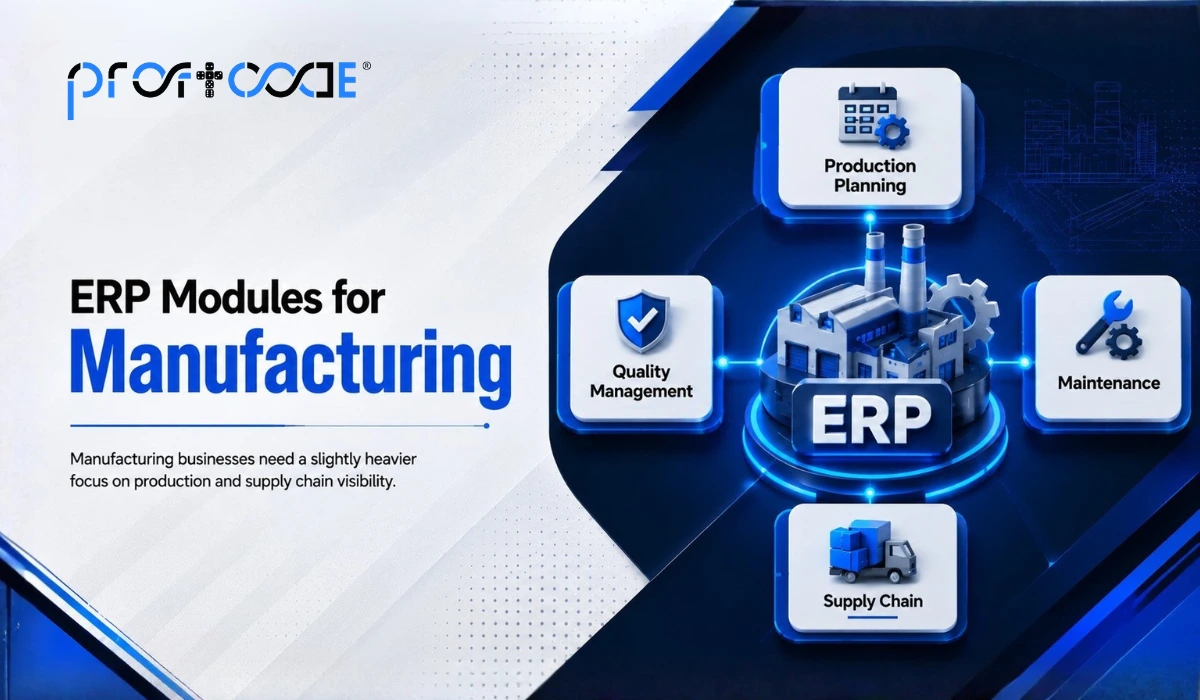
Manufacturing businesses need a slightly heavier focus on production and supply chain visibility.
- Production planning module to schedule runs based on demand forecasts
- Quality management module to catch defects before products ship out
- Maintenance module to track machine servicing and reduce unexpected downtime
- Supply chain module to coordinate raw material inflow with production timelines
Without these, manufacturers often end up firefighting, reacting to problems instead of preventing them.
ERP Modules for Small Business
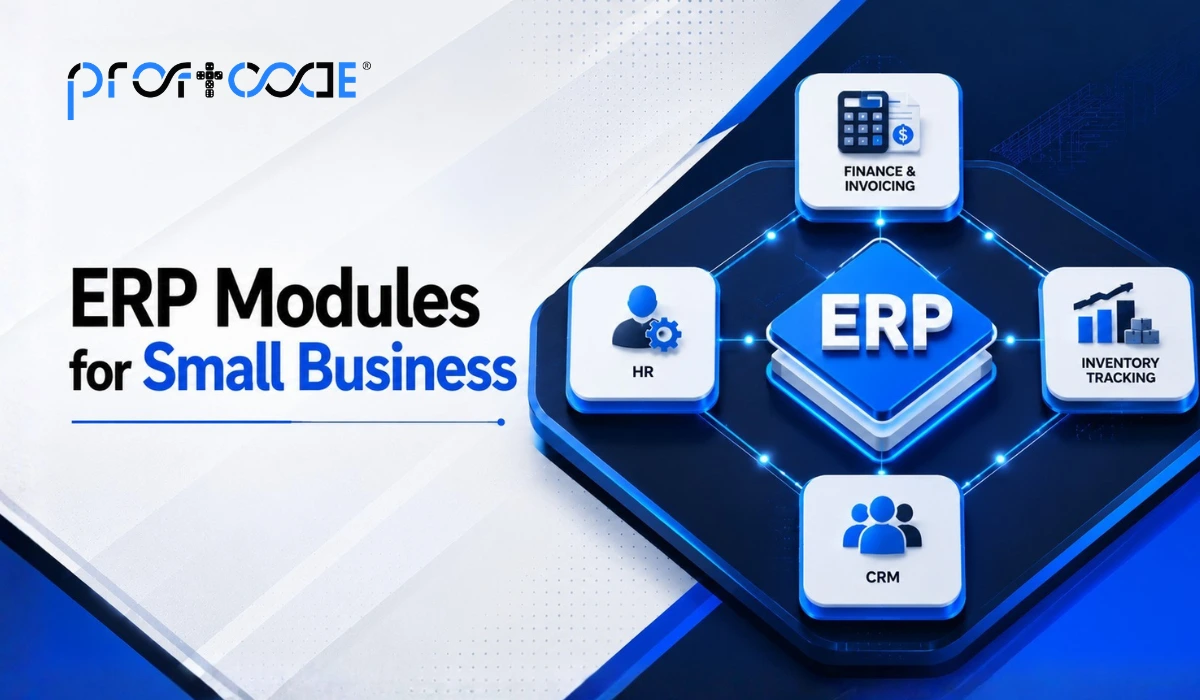
Small businesses obviously don’t need the same scale as a large enterprise, but that doesn’t mean ERP isn’t worth it. It just needs to be leaner.
- Basic finance and invoicing module
- Simple inventory tracking
- Lightweight CRM for lead and customer management
- HR module scaled for a smaller headcount
The trick with ERP modules for small business setups is starting with only what’s actually needed, then expanding as the business grows. There’s no point paying for a manufacturing module if you’re running a retail shop.
ERP Modules for Construction
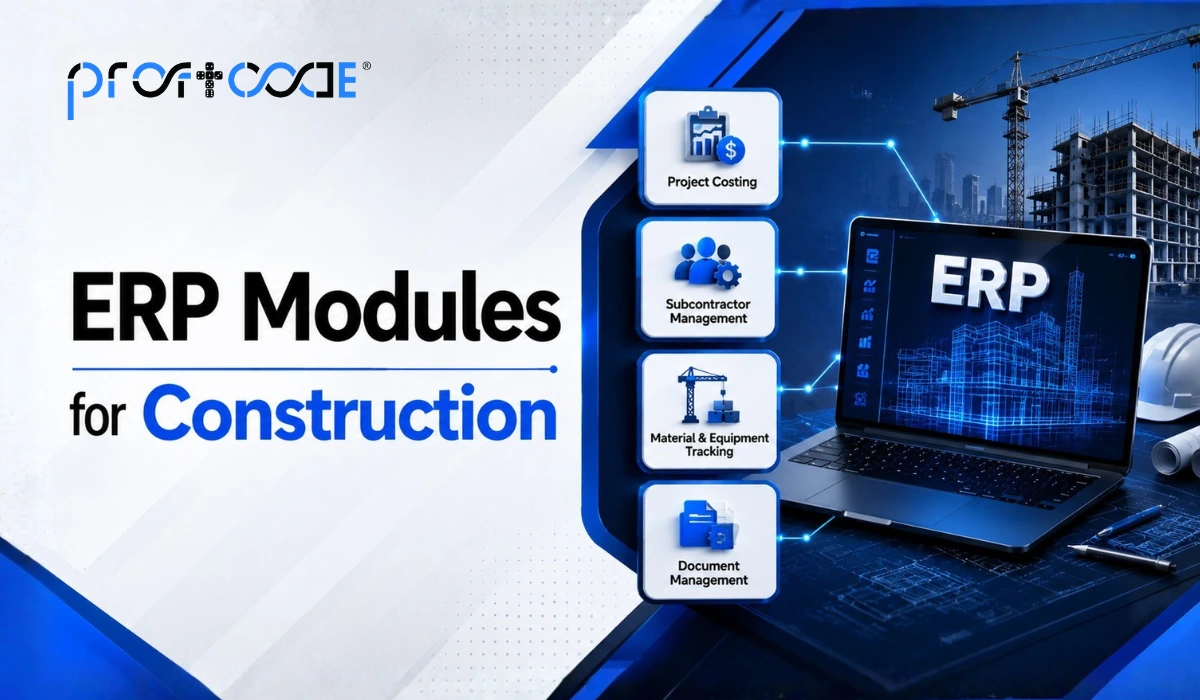
Construction businesses juggle multiple sites, vendors, and shifting timelines, so their module needs look a bit different, too.
- Project costing module to track budgets against actual spend, site by site
- Subcontractor management module for handling multiple vendor relationships
- Material and equipment tracking module across different project locations
- Document management module for permits, contracts, and compliance paperwork
For construction firms specifically, mobility matters a lot. Site engineers need to update progress from the field, not from a desktop sitting in a head office three hours away.
ERP Modules for Healthcare
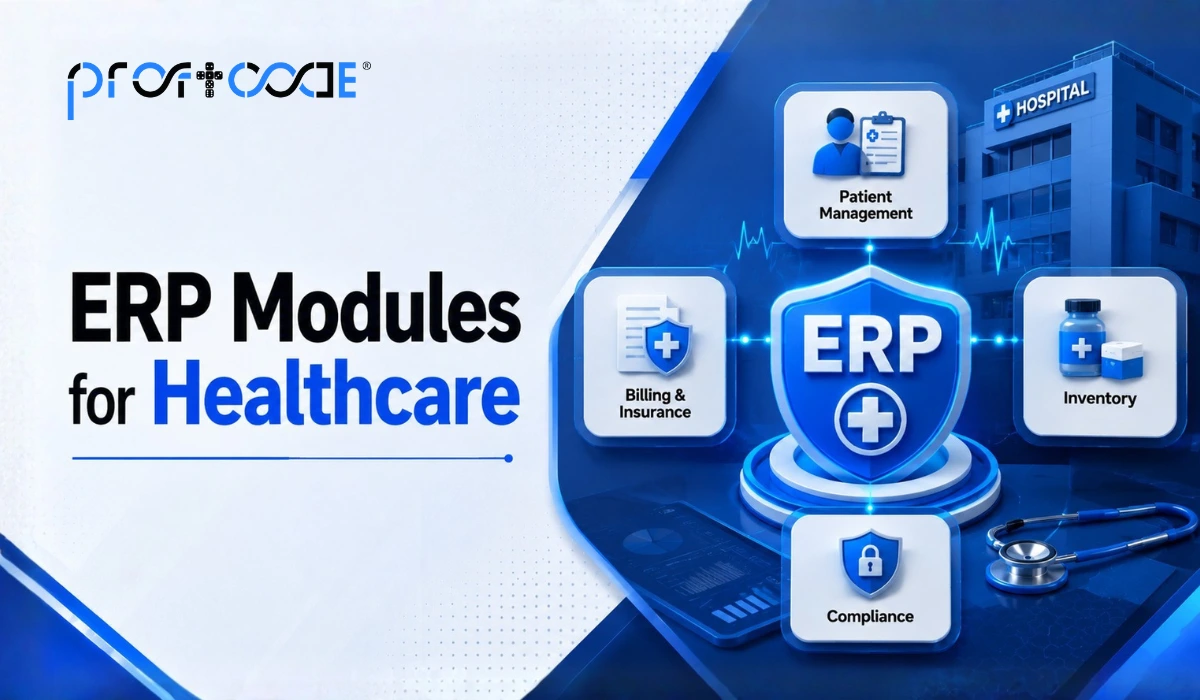
Healthcare providers, clinics, and hospitals need modules built around patient care and regulatory compliance.
- Patient management module for records, appointments, and history
- Billing and insurance module for claims processing
- Inventory module for tracking medical supplies and pharmaceuticals
- Compliance module to meet healthcare data protection standards
Given how sensitive patient data is, healthcare ERP setups usually need stronger security layers built in from day one, not added later as an afterthought.
Standard ERP Modules vs Custom ERP Modules
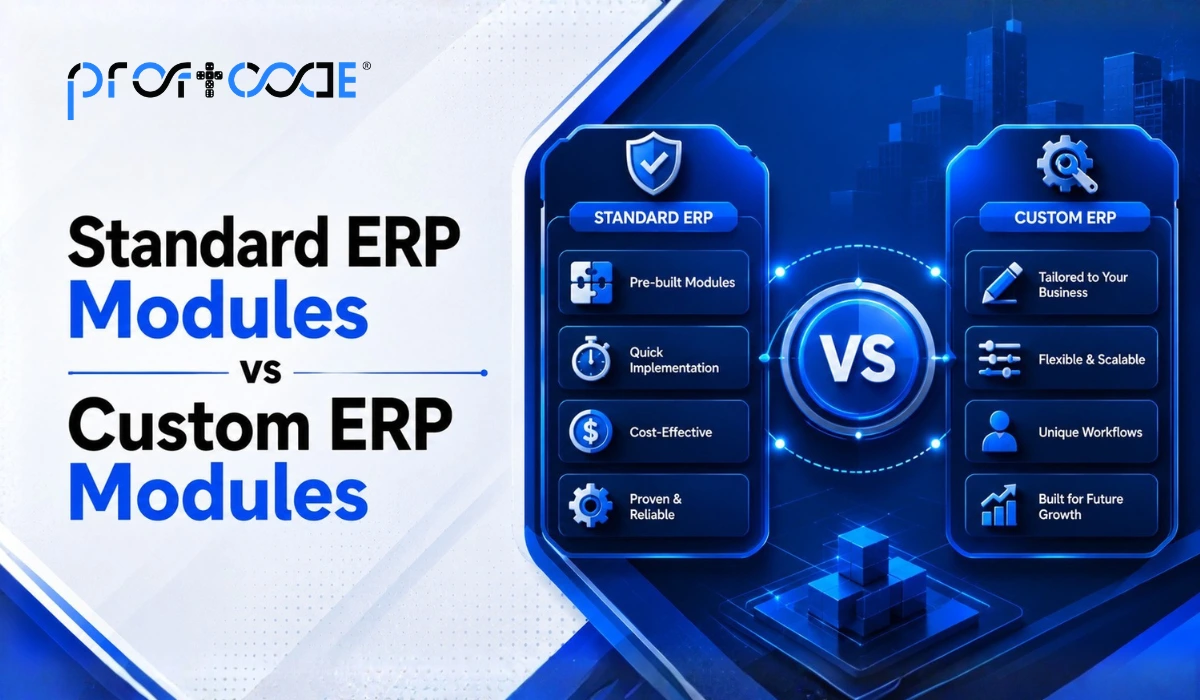
This is where a lot of businesses hit a decision point.
Standard modules come pre-built, ready to use out of the box. They’re quicker to deploy and cheaper upfront, but they follow generic workflows that may not match how your specific business actually operates.
Custom ERP modules: Indian-based companies increasingly ask for things that are built around the business’s actual processes. A construction firm’s project costing needs look nothing like a healthcare provider’s billing needs, and forcing both into the same template rarely works well.
If your processes are fairly standard, off-the-shelf modules might genuinely be enough. But if your workflows have quirks specific to your industry or your region, working with an experienced ERP software development company in India usually pays off in the long run.
Why Work With a Custom ERP Software Development Company
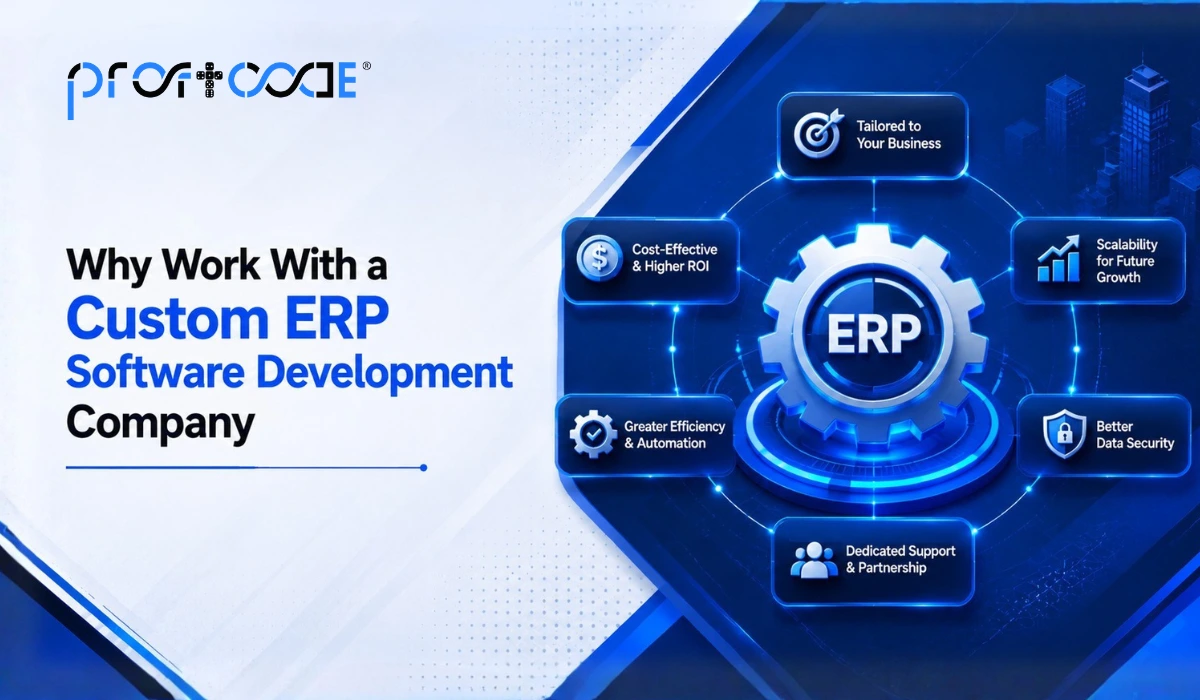
A generic ERP module setup can only take you so far. This is exactly the gap that a custom ERP software development company fills.
Here’s what a good development partner should bring to the table:
- Requirement mapping first. Before writing a single line of code, they study how your business actually functions.
- Modular flexibility. The ability to add or remove modules as your business needs change, without rebuilding the whole system.
- Industry understanding. ERP software developers in India with real sector experience ask sharper questions and avoid costly rework later.
- Post-launch support. ERP modules need occasional updates and tweaks, not a one-time setup and goodbye.
Choosing custom ERP software development services over a rigid template often means the difference between a system your team actually enjoys using and one they quietly find workarounds for within a few months.
Common Mistakes Businesses Make When Selecting ERP Modules
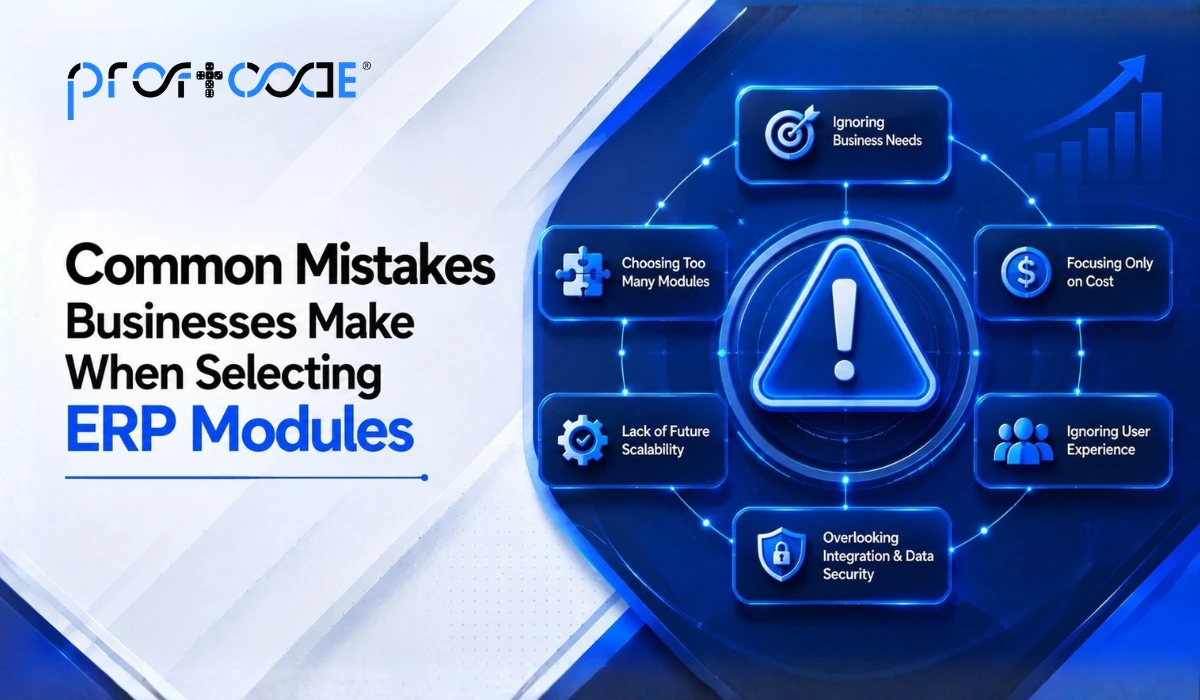
Even with a clear ERP modules list in hand, businesses often trip up during selection. It’s worth flagging these before you finalize anything.
- Buying every module available. More modules don’t automatically mean more value. Paying for a manufacturing module when you run a service business just adds unnecessary complexity and cost.
- Ignoring integration between modules. Some businesses pick modules from different vendors and expect them to work together seamlessly. They rarely do. Data ends up trapped in silos again, which defeats the entire purpose of ERP in the first place.
- Skipping the requirement-gathering step. Jumping straight into implementation without properly mapping existing workflows usually leads to a system that technically works but doesn’t actually fit how the team operates day to day.
- Underestimating training needs. Even the best ERP software modules India has to offer won’t help much if employees don’t know how to use them properly. A short training period saves months of frustration later.
- Choosing based on price alone. The cheapest option often means fewer features, weaker support, or a less experienced development team. It’s worth weighing long-term value against the upfront cost, not just comparing quotes side by side.
Avoiding these mistakes early on tends to save businesses a lot of rework, and honestly, a lot of frustration too.
Quick Checklist Before Choosing Your ERP Modules
Before finalizing which modules your business needs, run through this list honestly.
- Which departments currently rely on disconnected spreadsheets or manual processes?
- Do you need industry-specific modules, or will standard ones cover your workflow?
- How many users will need access, and across how many locations?
- Do you expect significant growth in the next two to three years?
- Is data security a major concern for your industry, like healthcare or finance?
Answering these honestly usually makes the module selection process a lot faster and far less confusing.
Looking for Custom ERP Software Development?
Streamline your business operations with tailored ERP solutions designed to improve efficiency, productivity, and growth.
Final Thought
ERP software components aren’t meant to be one giant, rigid block. They’re meant to be flexible, connected pieces that reflect how your business genuinely operates, whether that’s a factory floor, a construction site, a hospital ward, or a small retail counter. Getting the module selection right from the start, standard or customized, makes everything that follows a lot smoother.
Frequently Asked Questions
ERP software modules are individual functional units within an ERP system, such as finance, HR, inventory, or sales, that work together while sharing real-time data across the business.
Most businesses start with finance, HR, inventory, sales, or CRM and procurement modules, then add industry-specific ones like manufacturing or project management as needed.
Custom modules usually cost more upfront, but they often reduce long-term inefficiencies since they’re built around your actual workflow instead of forcing your business to adjust.
Finance, basic inventory, and a lightweight CRM module are typically the starting point for small businesses before expanding into more specialized modules.
Look for proven industry experience, a clear requirement-gathering process, transparent timelines, and strong post-launch support rather than just a long list of past clients.