
Walk into most school administration offices even today, and you’ll still find registers, physical fee receipts, and a whole lot of paper moving between departments that should really be talking to each other digitally. Admissions in one register, attendance in another, fees tracked separately, and exam records somewhere else entirely. It works, technically. But it’s slow, error-prone, and genuinely exhausting for the staff managing it all.
Digital transformation has become a fairly common phrase in education circles, but for most schools, nobody’s quite sure where to actually begin. This guide breaks that down, starting with what school ERP actually means, why it matters, and a practical starting point for schools that are ready to move past paper-based chaos.
Why Schools Are Moving Toward Digital Transformation in India
A few things are pushing schools toward this shift more seriously than before.
- Parents expect faster, more transparent communication. Waiting days for a response about fees or academic progress feels increasingly unacceptable to parents used to instant updates elsewhere in their lives
- Administrative staff is stretched thin. Manual processes eat up hours that could go toward actually supporting students and teachers
- Data errors carry real consequences. A misfiled attendance record or an incorrect fee entry isn’t just an inconvenience. It can create genuine problems for students and parents
- Competition among schools has increased. Schools that run efficiently and communicate well often build stronger reputations, which matters for admissions
- Compliance and reporting requirements keep growing. Education boards and regulatory bodies increasingly expect accurate, well-organized records that manual systems struggle to maintain consistently
None of this means every school needs to digitize everything overnight. But the direction is fairly clear, and starting thoughtfully matters more than starting fast.
Where to Actually Start: A Practical Roadmap
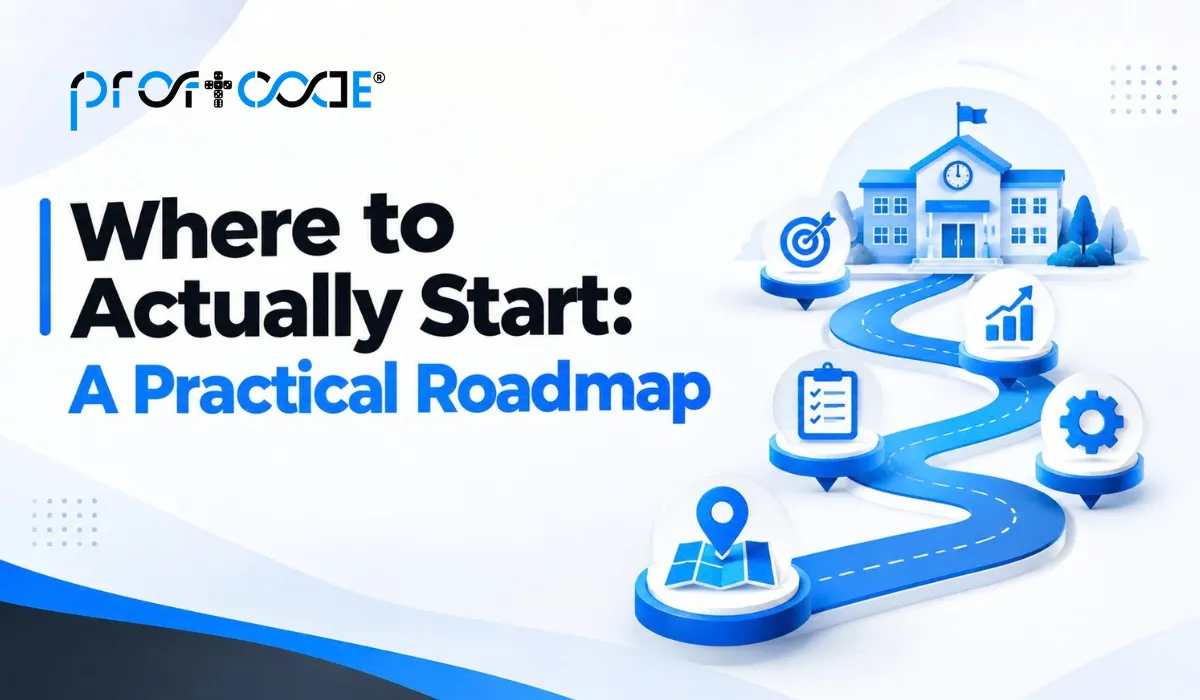
This is usually where schools get stuck. Too many options, too much jargon, and no clear starting point. Here’s a practical way to think about it.
Step 1: Identify Your Biggest Pain Points First
Rather than trying to digitize everything at once, start with whatever’s causing the most day-to-day friction.
- Is fee collection and tracking the biggest headache right now?
- Are attendance records constantly inconsistent between classes and the main office?
- Is parent communication slow and scattered across phone calls, SMS, and physical notices?
- Are admissions a chaotic seasonal scramble every year?
Whatever hurts the most right now is usually the smartest place to begin, rather than trying to overhaul everything simultaneously.
Step 2: Choose Core Modules Before Anything Else
Most school ERP systems offer a wide range of modules, but not every school needs all of them from day one.
Core modules most schools benefit from starting with:
- Admissions management to streamline application, enrollment, and documentation
- Attendance tracking for both students and staff, reducing manual register errors
- Fee management with automated tracking, reminders, and receipt generation
- Communication tools for sending updates directly to parents through SMS or app notifications
- Basic academic records covering grades, report cards, and progress tracking
Starting lean with these core functions, then expanding gradually, tends to work far better than attempting a complete digital overhaul in one go.
Step 3: Involve Teachers and Administrative Staff Early
A common mistake schools make is choosing a system based purely on management preference, without involving the people who’ll actually use it daily.
- Teachers need attendance and grading tools that are genuinely simple to use between classes
- Administrative staff need fee and admissions modules that reduce their workload, not add extra steps
- Getting early feedback from these groups reduces resistance later and improves actual adoption
Step 4: Plan for a Phased Rollout
Trying to switch everything at once, right in the middle of an academic year, often creates more chaos than it solves.
- Consider starting with one module, like fee management or attendance, before expanding to others
- Run the new system alongside existing processes briefly to catch issues before fully committing
- Choose a rollout timing that avoids peak periods like admission season or exam time
Step 5: Prioritise Proper Training, Not Just Software Setup
Even the best-designed school ERP fails to deliver value if staff don’t know how to use it properly.
- Schedule hands-on training sessions rather than a single rushed demo
- Provide simple reference guides staff can revisit as needed
- Designate a point person within the school who can help troubleshoot day-to-day questions
Key Features to Look for in School ERP for Digital Transformation
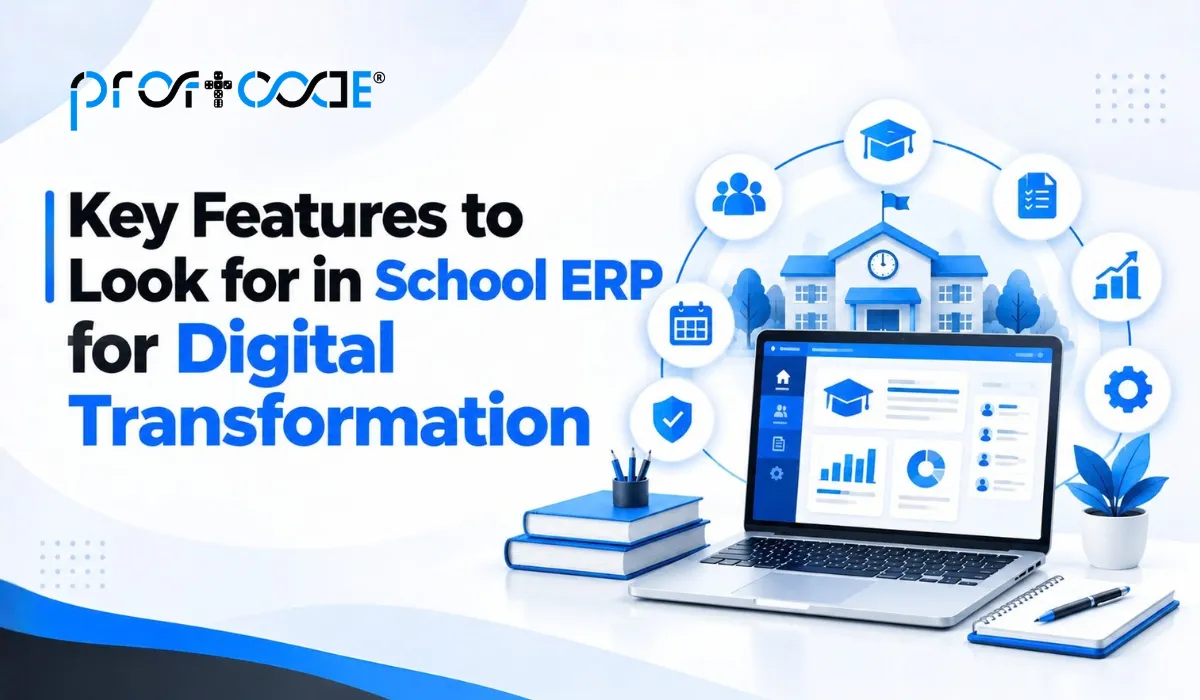
Beyond the basics, certain features genuinely make a difference in how smoothly the transformation goes.
- Mobile access for parents: A dedicated app or portal where parents can check attendance, fees, and academic updates without calling the school office.
- Automated fee reminders: Reduces the awkward, time-consuming task of manually following up on pending payments.
- Real-time attendance tracking: Allows immediate visibility instead of waiting for end-of-day compilation.
- Integrated communication tools: Sending circulars, event updates, and academic notices directly through the system, rather than juggling separate SMS platforms.
- Customizable reporting: Generates reports school administration actually needs, rather than generic templates that don’t quite fit.
- Data security measures: Given the sensitive nature of student and family information, proper access control and data protection matter significantly.
Common Mistakes Schools Make During Digital Transformation
Even with good intentions, a few recurring mistakes tend to slow things down or derail the process entirely.
- Trying to digitize everything simultaneously. This usually overwhelms staff and increases resistance to the new system.
- Choosing based on price alone. A cheaper system that lacks essential features or proper support often costs more in wasted time later.
- Skipping proper requirement discussions. Jumping straight into implementation without understanding the school’s specific workflows leads to a mismatched system.
- Underestimating the training period. Rushing staff training almost guarantees low adoption and continued reliance on old manual processes.
- Ignoring parent adoption. If parents don’t understand or use the new communication tools, a big part of the intended benefit gets lost.
Custom School ERP vs Ready-Made Platforms
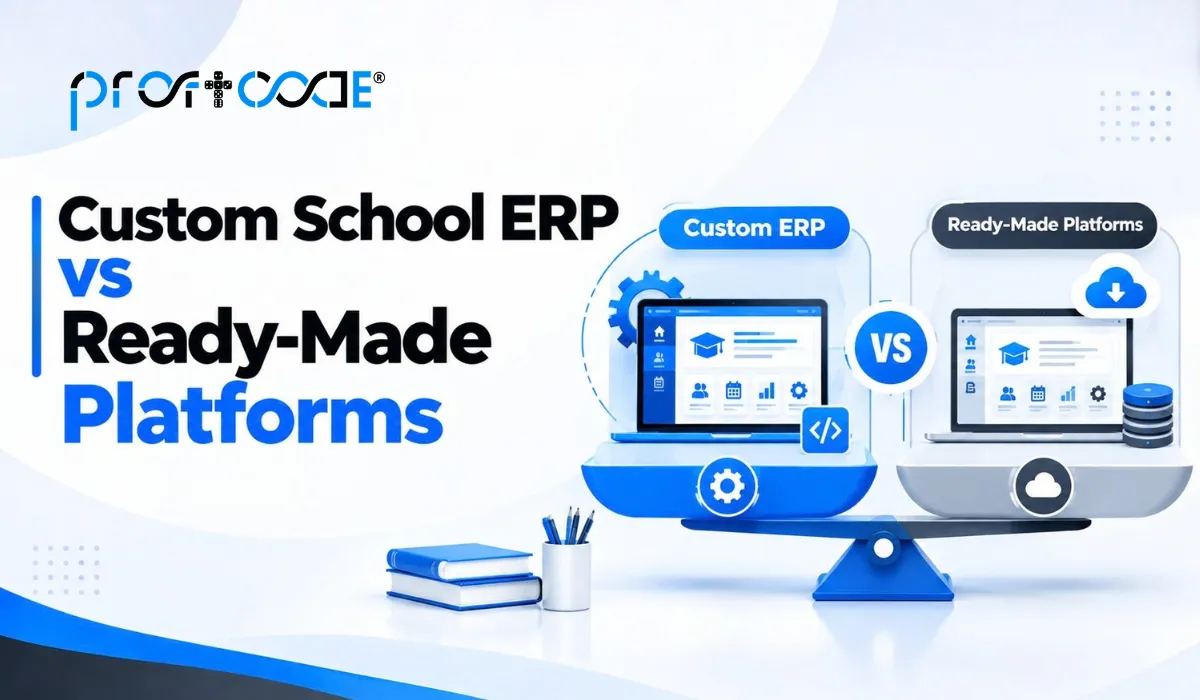
This is worth thinking through honestly before committing to either option.
Ready-made school ERP platforms work well when:
- Your school’s processes are fairly standard and don’t have unusual requirements
- You need something operational quickly, without a long development timeline
- Budget constraints make a smaller upfront investment more practical
Custom school ERP development makes more sense when:
- Your school has specific processes, grading systems, or administrative workflows that generic platforms don’t handle well
- You’re planning significant growth, like adding new branches or campuses
- You want deeper integration with existing tools your school already uses
Neither option is universally right. It depends on your school’s specific size, complexity, and how standard or unique your administrative processes actually are.
What Successful Digital Transformation Actually Looks Like
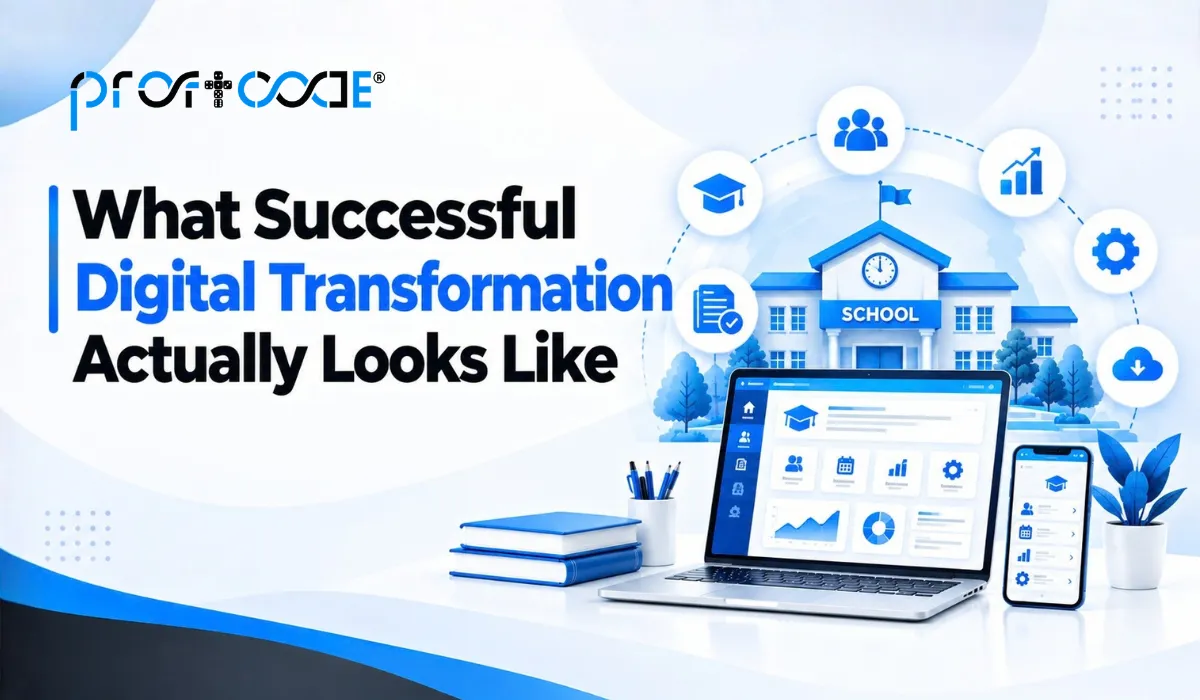
It’s worth being realistic here. Digital transformation isn’t a single dramatic switch. It’s a gradual shift that compounds over time.
- Fee collection becomes noticeably faster and less error-prone within the first few months
- Parent complaints about communication delays start dropping as updates become more consistent
- Administrative staff spend less time on repetitive manual tasks and more time on actual student and parent support
- Attendance and academic records become genuinely reliable, reducing disputes and confusion
None of this happens overnight, but schools that start with clear priorities and a phased approach tend to see meaningful improvement within a single academic year.
How to Measure Whether the Transformation Is Actually Working

Rolling out a new system is only half the job. Schools should also have a clear way to check whether it’s genuinely improving things, rather than just assuming it is.
- Track fee collection timelines. Compare how quickly fees are collected and reconciled before and after implementation
- Monitor attendance accuracy. Check whether attendance discrepancies and manual corrections have noticeably reduced
- Review parent engagement. See how many parents are actually using the mobile portal or app, rather than still calling the office for basic updates
- Ask staff directly. Sometimes the clearest signal is simply whether administrative staff feel less overwhelmed and more organized day to day
- Compare time spent on repetitive tasks. Look at whether staff are genuinely freed up for more meaningful work or still stuck doing manual double-entry alongside the new system
If these indicators are trending positively for a few months, that’s a solid sign the transformation is delivering real value, not just adding another tool to manage.
A Quick Self-Check Before You Begin
Before starting your school ERP journey, ask these honestly.
- What’s the single biggest administrative pain point at your school right now?
- Have you involved teachers and staff in evaluating potential systems?
- Do you have a realistic plan for phased rollout, rather than switching everything at once?
- Is proper training budgeted for, not just the software itself?
- Does your school have unique processes that might need a more customized approach?
Answering these honestly makes the entire digital transformation process considerably less overwhelming to plan.
Are You Looking for the Best School Management Software in India?
If your school is somewhere on this journey already, the natural next question is how to tell a genuinely good platform apart from the rest. A few things matter most.
- Built for Indian schools specifically, since fee structures, board requirements, and communication habits differ a lot from generic international tools
- Connects the full administrative load- admissions, attendance, fees, academics, and parent communication in one place
- Easy for non-technical staff to run daily, without needing a dedicated IT person on hand
- Strong local support, especially during admission season or exam time when quick help actually matters
- Room to scale, whether you’re a single campus today or planning to expand later
This is exactly the gap Proftcode‘s school ERP solutions are built to close: software shaped around how Indian schools actually operate, not a generic template stretched to fit.
End of Line
School ERP for digital transformation isn’t about chasing the latest technology trend. It’s about genuinely reducing the daily friction that paper-based processes create for teachers, administrative staff, and parents alike. Starting small, tackling the biggest pain points first, and involving the people who’ll use the system daily makes this transition much smoother than attempting a sudden, complete overhaul.
Frequently Asked Questions
School ERP is built specifically for educational institutions, covering admissions, attendance, fee management, and academic records, rather than generic business functions like inventory or manufacturing that regular ERP systems typically focus on.
Start by identifying the biggest administrative pain point, whether that’s fee management, attendance, or communication, and begin digitizing that area first rather than attempting a complete overhaul at once.
It varies by scope, but a phased rollout starting with core modules can often show meaningful results within a single academic year, rather than requiring everything to launch simultaneously.
Cloud-based school ERP offers easy access, automatic updates, scalability, and lower infrastructure requirements. On-premise ERP provides greater control over local data management. The right choice depends on the school’s budget, security needs, and operational requirements.
School ERP software is a centralized system that helps schools manage admissions, student records, attendance, fees, exams, communication, and administrative operations from one platform.