
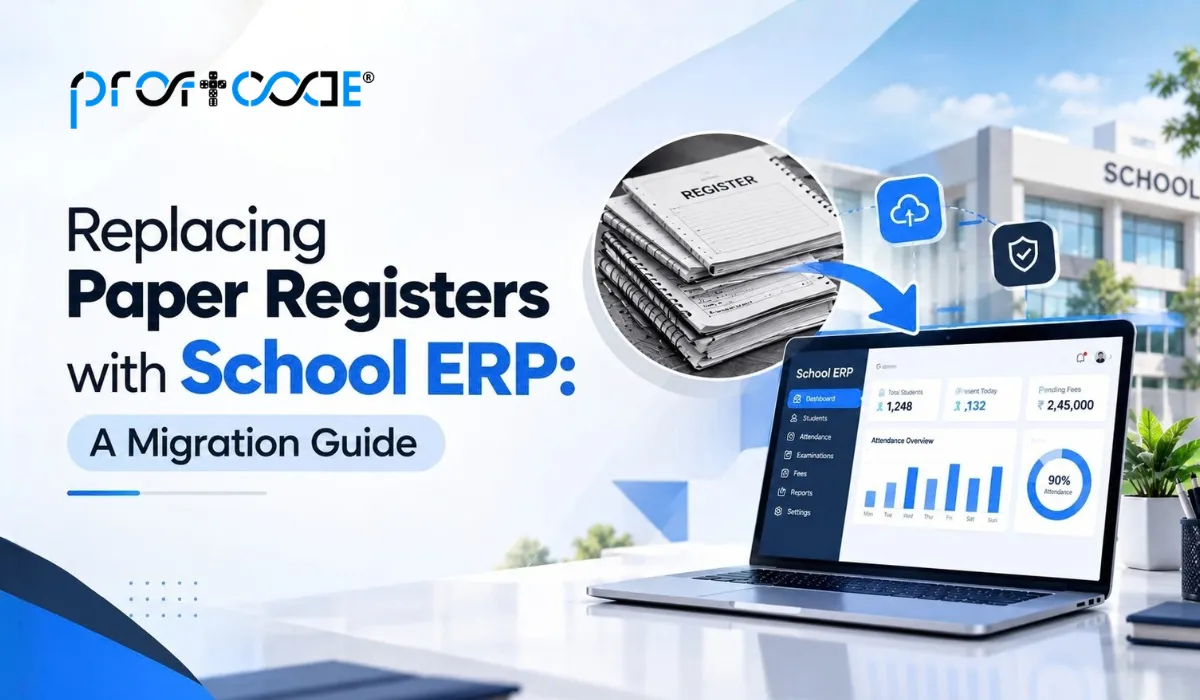
Walk into any school office, and you will spot them within seconds. Thick admission registers, fee receipt books, attendance files, and marks ledgers are all stacked on a shelf and all slightly out of sync with each other. Every register has its own keeper, its own handwriting, and its own version of the truth. That is exactly why more schools are looking at a school ERP to replace paper registers and why this guide exists.
Paper worked for decades. It just does not scale well once a school grows past a few hundred students. A school ERP puts every record in one digital place, so a fee query, an attendance check, or a board report takes minutes instead of an afternoon. Below, we walk through why schools still use paper, what goes wrong, and how to migrate step by step without chaos.
Why Are Schools Still Using Paper Registers?
Honestly, habit is a big part of it. Registers are familiar and cheap to start with, and everyone knows how to use a pen.
- Traditional record-keeping practices. Many schools inherited their registers from older administrations, and the format never changed
- Dependence on manual data entry. The same student name gets written in the admission register, the fee book, the attendance file, and the marks ledger
- Challenges in managing large amounts of school data. A school with 1,000 students generates thousands of entries every term, and paper has no way to connect them
Nobody chose chaos on purpose. It just built up, one register at a time.
Problems with Paper Registers in Schools
Here is what staff deal with almost daily.
- Time-consuming record management. Writing, copying, and cross-checking take hours every week
- Risk of losing or damaging records. Water, pests, fire, or a misplaced register can wipe out years of history
- Difficulty searching for information. Finding one student’s fee history can mean flipping through several books
- Duplicate or incorrect data. Copy the same detail by hand five times, and a mistake will slip in somewhere
- Limited access to records. Only one person can use a register at a time, and only inside the office
- Manual report preparation. Board returns and fee summaries get compiled by hand, usually under deadline pressure
- High paperwork and storage requirements. Old registers need cupboards, and cupboards need space
If this list sounds painfully familiar, our piece on why ERP software matters for school management explains the bigger picture.
What Is a School ERP?
A school ERP is a single software system that stores and manages all school records, from admissions and attendance to fees, exams, staff, and communication, in one connected place.
Think of it as replacing five or six separate notebooks with one shared, searchable notebook that everyone can open at the same time (with the right permissions, of course). If ERP as a concept is new to you, start with what ERP software is and why it matters.
Key modules of a school ERP:
- Admissions and student records
- Attendance for students and staff
- Fee management and receipts
- Exams, grades, and report cards
- Staff, payroll, and leave
- Library, transport, and hostel
- Parent communication and reports
Want a deeper look at how modules fit together? See our guide to ERP software modules.
How School ERP Replaces Paper Registers
This is the heart of the migration. Each paper register has a digital twin inside the ERP.
Student Records and Admission Register
Every student gets one digital profile with personal details, guardian contacts, documents, and class history. No more rewriting the same details in three books.
Attendance Register
Teachers mark attendance on a phone or computer in seconds. Parents can get an instant alert if a child is absent, and monthly attendance reports build themselves.
Fee and Payment Register
Fee structures are set once per class and term. Receipts generate automatically, pending dues are tracked, and reminders go out without anyone chasing parents by phone.
Examination and Result Records
Marks go in once, and report cards, rank lists, and subject analysis come out automatically. Term-end stops being a week of calculators and late nights.
Staff and Employee Records
Joining details, qualifications, salary, and service history sit in one file per employee, easy to find and easy to update.
Leave and Permission Records
Staff apply for leave digitally, and approvals are logged with dates. Student permission slips and early-leave records get the same treatment.
Library Records
Book issue, return, and fine tracking move into the system, so you always know which book is with whom.
Paper Registers vs School ERP
Paper Registers | School ERP |
Manual records | Digital records |
Difficult to search | Easy to search |
Physical storage required | Centralized digital storage |
Higher risk of damage | Backup and recovery options |
Manual reports | Automated reports |
Limited access | Role-based access |
More paperwork | Reduced paperwork |
Benefits of Replacing Paper Registers with School ERP
- Saves administrative time. Tasks that took hours shrink to minutes
- Reduces paperwork. Fewer registers, fewer receipt books, fewer cupboards
- Improves data accuracy. Data is entered once and reused everywhere
- Provides faster access to information. Any record is a quick search away
- Automates repetitive tasks. Fee reminders, attendance alerts, and report cards run on their own
- Improves communication. Parents, teachers, and the office all see the same updated information
- Makes reporting easier. Board and audit reports are ready when you need them
- Supports better school management. Principals see real numbers, not guesses
For a wider view of how connected systems lift performance, read our article on ERP solutions for smarter business growth.
How to Move from Paper Registers to School ERP
Here is the migration path, step by step.
- Identify records that need digitization. List every register in use, then mark what is active, what is historical, and what is no longer needed
- Clean and organize existing data. Fix spelling mistakes, duplicate students, and missing details before anything is entered. Dirty data means dirty data out
- Select suitable ERP software for school. Check for board-ready reports, fee structure flexibility, and migration support. Our guide on choosing the right ERP software development company has a handy checklist, and our comparison of custom ERP vs off-the-shelf ERP helps if you are unsure which route fits
- Digitize existing records. Use bulk upload through spreadsheets for current students and scanning plus data entry for older records
- Configure ERP modules. Set up classes, sections, fee structures, grading rules, and the academic calendar to match how your school actually runs
- Train teachers and administrators. Run short, hands-on sessions by role, and keep a quick-reference sheet handy
- Test the system. Run a few real days through it, compare against the paper registers, and fix any mismatch
- Start using the ERP across the school. Go live at a calm point in the term, and keep paper as a backup for the first few weeks
Quick tip: do not start in the middle of exams or admission season. Pick a quieter window, even if it means waiting a few weeks.
Is School ERP Suitable for Small Schools?
Short answer: yes. And often small schools feel the benefit fastest.
- Benefits for small and medium-sized schools. Even with 200 to 500 students, fee tracking and attendance alone can eat huge chunks of the office day
- Scalability as the school grows. Start with core modules like admissions, fees, and attendance, then add exams, transport, or HR later
- Reducing administrative workload with limited staff. When one or two people handle the whole office, automation is a lifeline, not a luxury
Budget is usually the worry here. Our article on ERP development services for small businesses shows how a lean, phased rollout keeps costs under control.
How School ERP Improves School Management
Once the registers are gone, something interesting happens. The school starts running on information instead of memory.
- Centralized information. Everything lives in one place, not in five cupboards
- Real-time data access. Principals can check attendance, fee collection, or exam progress anytime
- Automated reports. Monthly, term, and board reports generate themselves
- Better monitoring. Spot falling attendance or rising dues early, before they become big problems
- Improved collaboration between administrators, teachers, students, and parents. Everyone works from the same updated data, so there are fewer phone calls and fewer misunderstandings.
Common Challenges When Replacing Paper Registers
Let us be honest, migration is not always smooth. Here is what to expect and how to handle it.
- Data migration. Old handwritten records can be messy. Allow time for cleaning and verification, and always check digital entries against the paper originals
- Staff training. Some staff have never used a computer for daily work. Train in small groups, in simple language, and be patient
- Resistance to digital systems. Change feels risky. Involve teachers early, show them the time they will save, and run paper and ERP side by side for a few weeks
- Data security. Student data is sensitive. Ask about role-based access, backups, and encryption. For a broader view of device and data risks, see our piece on IoT device risks and how ERP systems address them
- Initial implementation costs. There is an upfront cost for software, training, and hardware like computers or biometric devices. Watch for surprise expenses by reading about the hidden costs of off-the-shelf ERP software
Deciding between hosting options as well? Our guide on cloud ERP vs traditional ERP breaks down the trade-offs.
End of Line
Replace Paper Registers with a Smarter School ERP
Moving from paper registers to ERP software for school management is not about chasing technology. It is about giving your staff their time back, keeping records accurate, and being able to find any piece of information in seconds instead of hunting through cupboards. Start small, clean your data, train your people properly, and run both systems side by side until everyone feels confident.
If you are planning to move to a school ERP to replace paper registers, the Proftcode team can help you map the migration, set up the right modules, and train your staff. For a broader look at what to expect from a build, see our complete guide to ERP development services. Book a free consultation, and we will walk through your registers and plan a smooth switch together.
Frequently Asked Questions
Yes, for day-to-day work, it can. Most schools keep paper as a backup for a few weeks, then retire it. Some statutory records may still need a printed copy depending on your board or state rules, so check with your board.
Absolutely. Small schools can begin with core modules and expand later, so costs and effort stay manageable.
Yes. Current student data can be bulk uploaded from spreadsheets. Older records can be entered manually or scanned and attached to student profiles.
Not when it is set up well. Good school ERP systems use simple screens, and a short role-based training session is usually enough to get teachers marking attendance and entering marks comfortably.
It can be very secure with role-based access, regular backups, and encryption. Always ask your vendor how data is stored, who can see it, and how recovery works.